Breeze is known for being easy to use, and that matters. Phyle is built on the same idea. If you are looking for a new home for your church records, here is how to bring your people over.
Free for churches up to 50 active people. Then from $39 a month, with every module included.
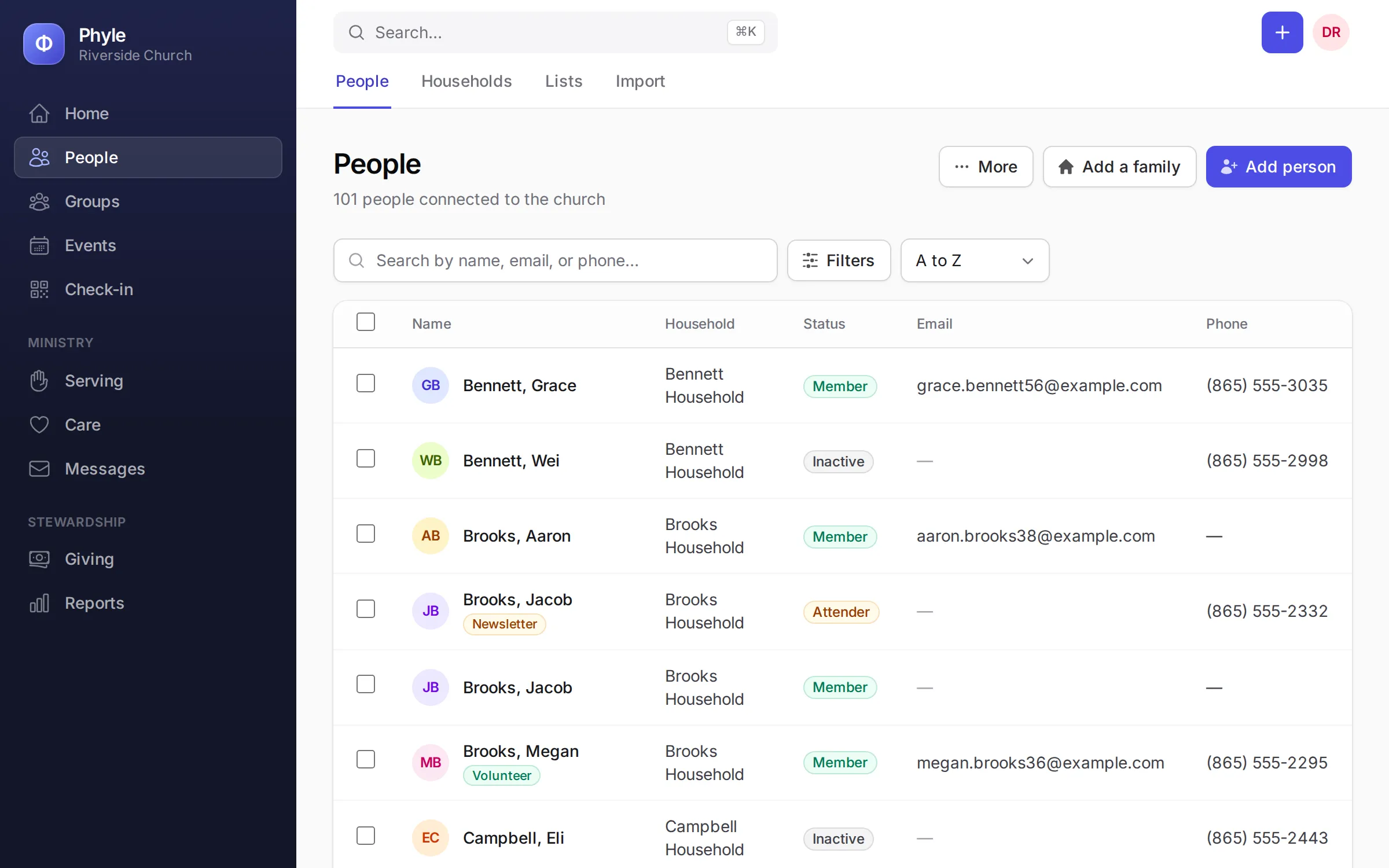
What comes across
Export your people from Breeze as a CSV spreadsheet, and Phyle reads these into each person’s record.
- People: Full names with middle names, suffixes and preferred names, emails, mobile and other phone, gender, birthdate and marital status.
- Households: Families stay together, with the head of household, spouses and children in their places and the address and home phone on the household.
- Church details: Membership status, active or inactive, date joined, date baptized, anniversary, envelope number and campus.
- Children: School grade, school, allergies and medical notes, so check-in is ready on your first Sunday.
- Your own fields, tags and notes: A column named like one of your custom fields fills it. Tags, employer and notes come across too.
- Groups, by way of tags: Put each person’s group names in a tags column. In Phyle, filter people by that tag and add them all to the group in one step.
The import brings people and households. Past contributions, attendance and form entries stay in Breeze, so keep your Breeze export for past giving statements. Once your people are in, set up your groups and events in Phyle, and write to us if you would like a hand.
How the move works
Nothing is saved until you say so, and you can undo the latest import.
- Export from Breeze. In Breeze, go to People and export everyone as a CSV file. Include family details so households stay together.
- Upload it to Phyle. Open People › Import and choose the file. Phyle recognizes a Breeze export and matches every column for you, family roles included. Tell it whether dates are written month first or day first.
- Check first, change nothing. A trial run shows how many people would be added and lists any rows with a problem, without saving anything. Download the problem rows as a spreadsheet, fix them and try again.
- Import. Families stay together, and people already in Phyle are updated instead of added twice: matched by first name and email, first name and mobile number, or full name within the same household.
- Tidy up. Phyle finds likely duplicates for you to merge. If an import didn’t go the way you meant, undo the latest one and run it again.
Every option, explained: read the import guide.
Everything included, at one price
In Phyle every module comes with every plan: check-in, serving schedules, care follow-ups, giving, email and text messages and a member app. You pay for the size of your church, never per feature or per user.
- People and households, with your own fields, tags and saved lists
- Groups and classes, with attendance and requests to join
- Events and registrations, with a calendar and rooms
- Children’s check-in, with name tags and pickup codes
- Serving teams, schedules and reminders
- Care follow-ups, workflows and prayer requests
- Giving, batches, pledges and year-end statements
- Email and text messages to your congregation
- A member app for families to keep their own details
- Reports, with spreadsheet export
| Plan | Active people | Price |
|---|---|---|
| Free | Up to 50 | $0 |
| Church | Up to 500 | $39 a month |
| Growing church | Up to 1,500 | $59 a month |
| Large church | No limit | $129 a month |
No contracts, no setup fees and no charge per user. Phyle adds no fee to gifts. See pricing