The church week, in one place
Sunday check-in, Monday's offering, Tuesday's volunteer schedule and every guest who needs a call. Phyle is church management your whole team can use, and we host it for you.
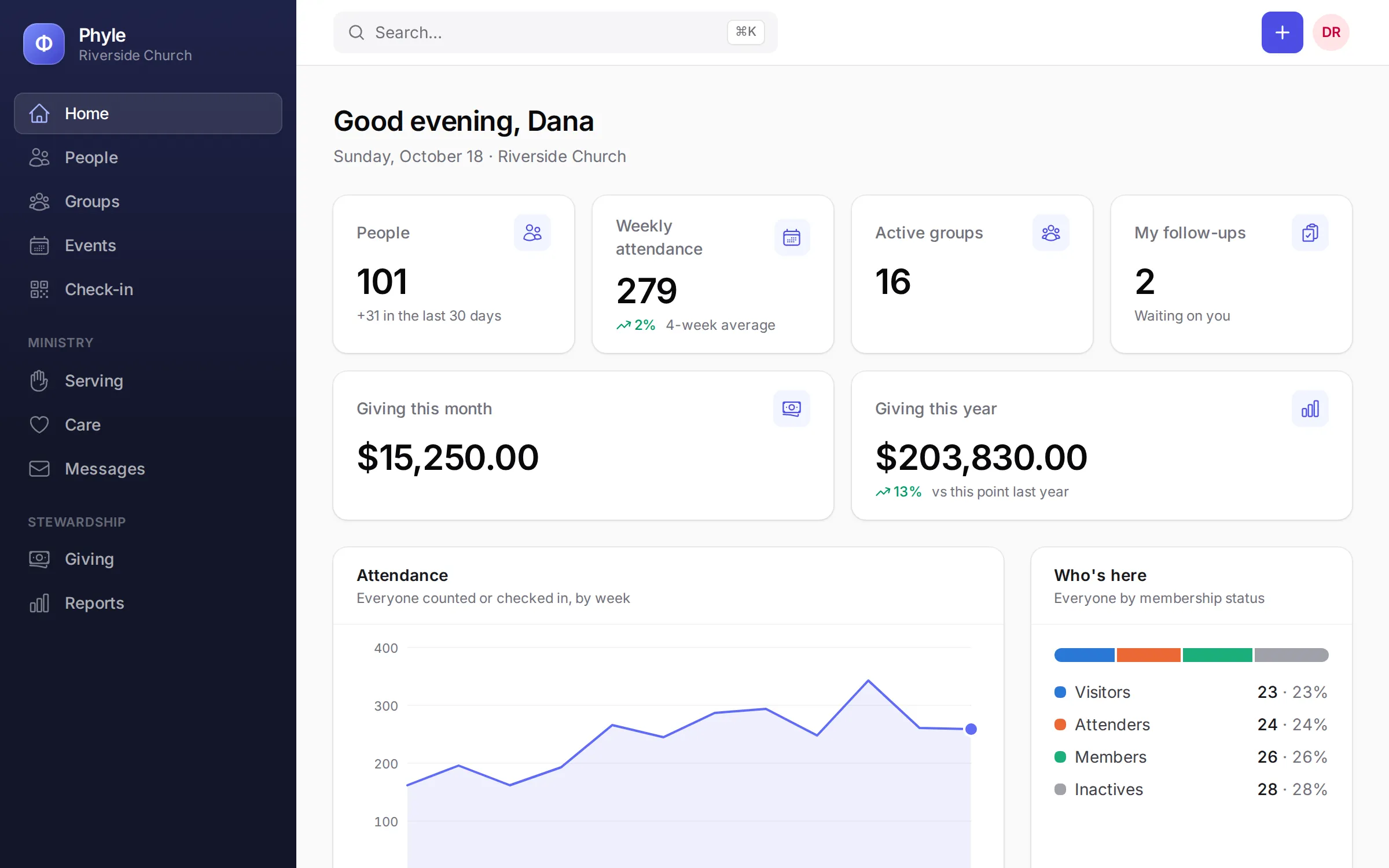
Sunday, 9:15. A new family walks in.
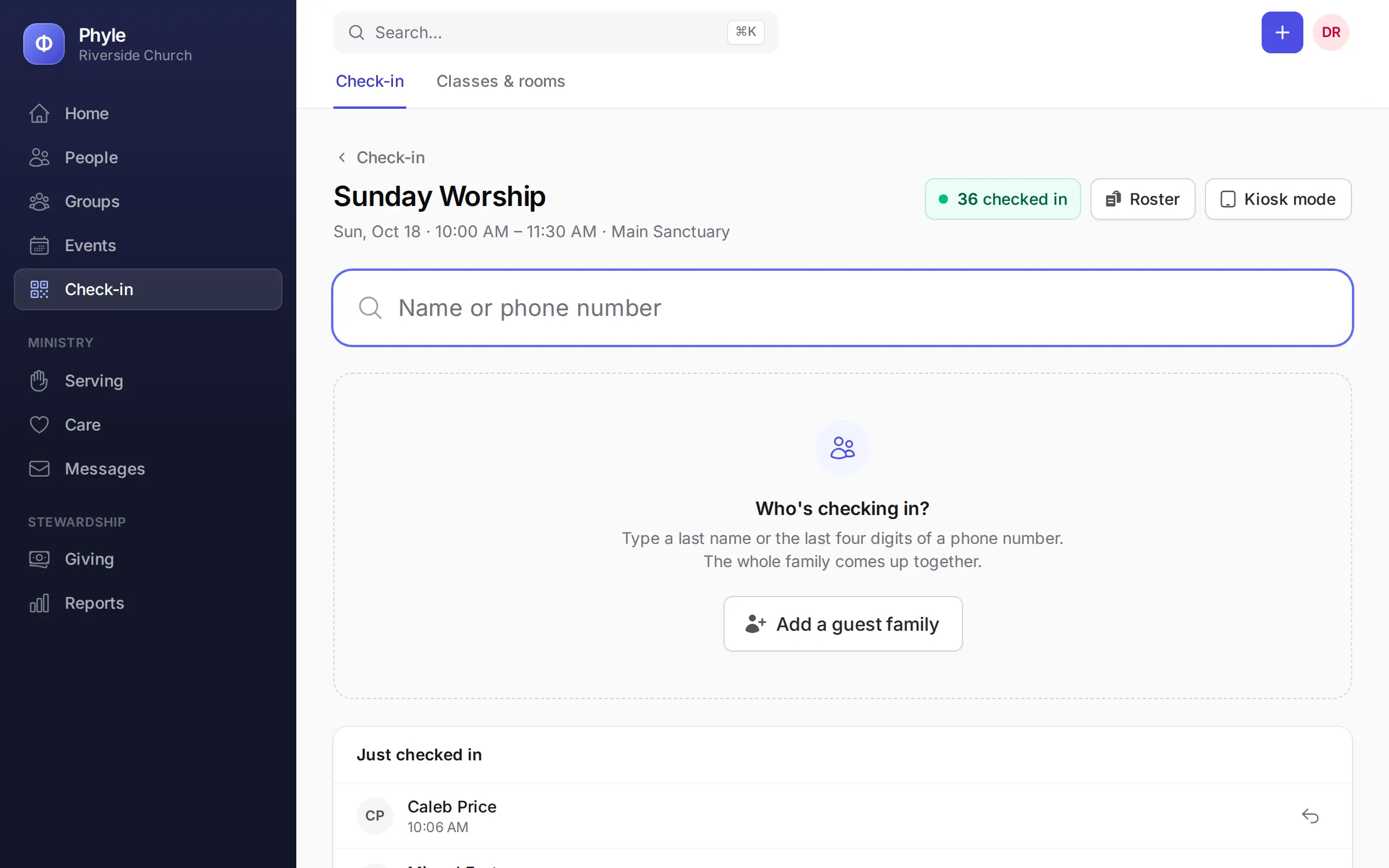
The lobby is busy, a parent you have never met is holding a toddler, and the service starts in fifteen minutes. A volunteer adds the family at the check-in station, the name tags print, and the parent leaves with the only code that can pick their children up.
- A kiosk families use themselves
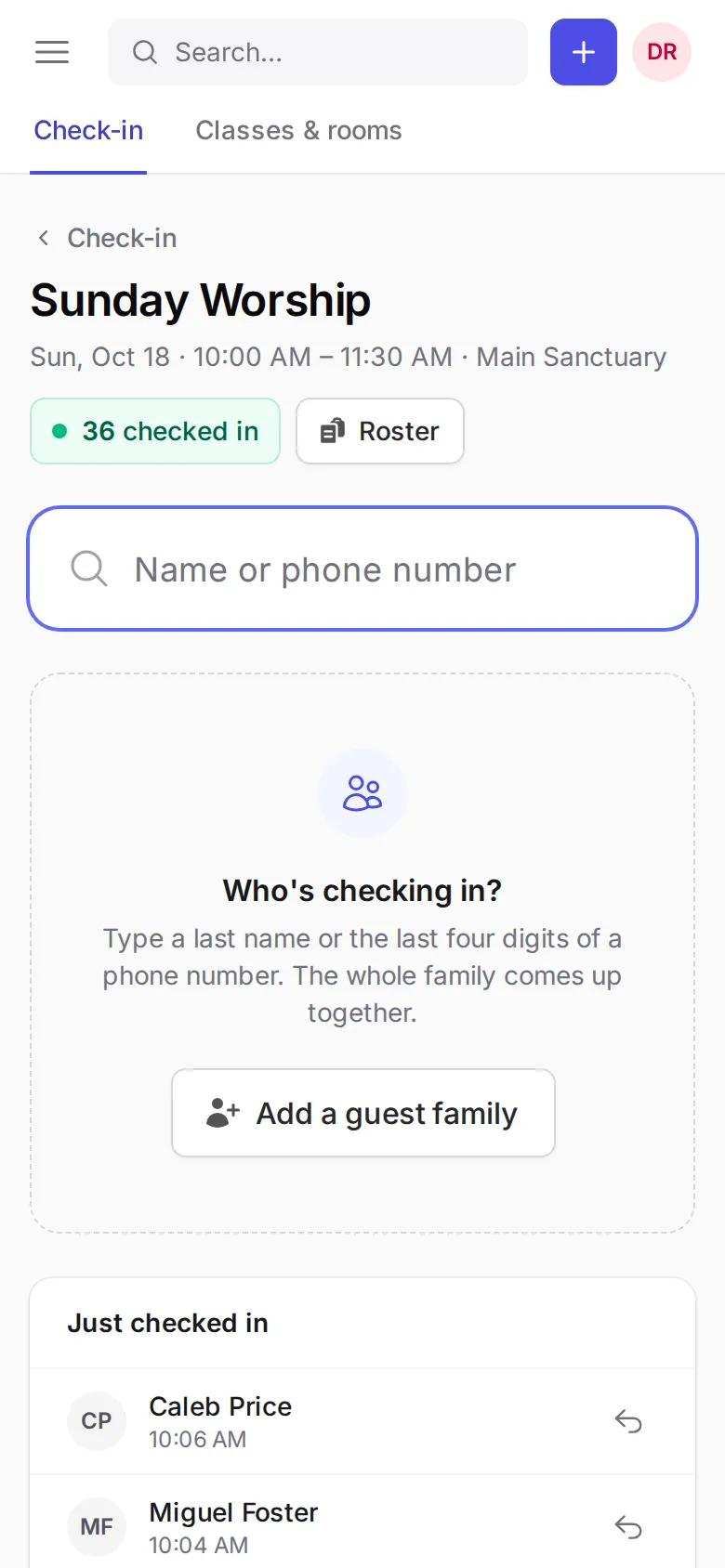
- Regulars type the last four digits of their phone number and check in the whole family. At the station, volunteers can search, add a guest family, reprint a tag or undo a check-in.
- Name tags that keep children safe
- Each tag shows the child's name, class and room, flags a first visit and prints any allergy in a bar across the bottom, on an ordinary thermal label printer.
- Pickup by code only
- The parent's receipt carries a security code. A child is checked out only with that code, and it never appears on the roster.
- A live roster for every room
- See who is here, which classes are full and when each child arrived, with a red alert on anyone with a pickup restriction.
Sunday, 1:00. Every guest followed up.
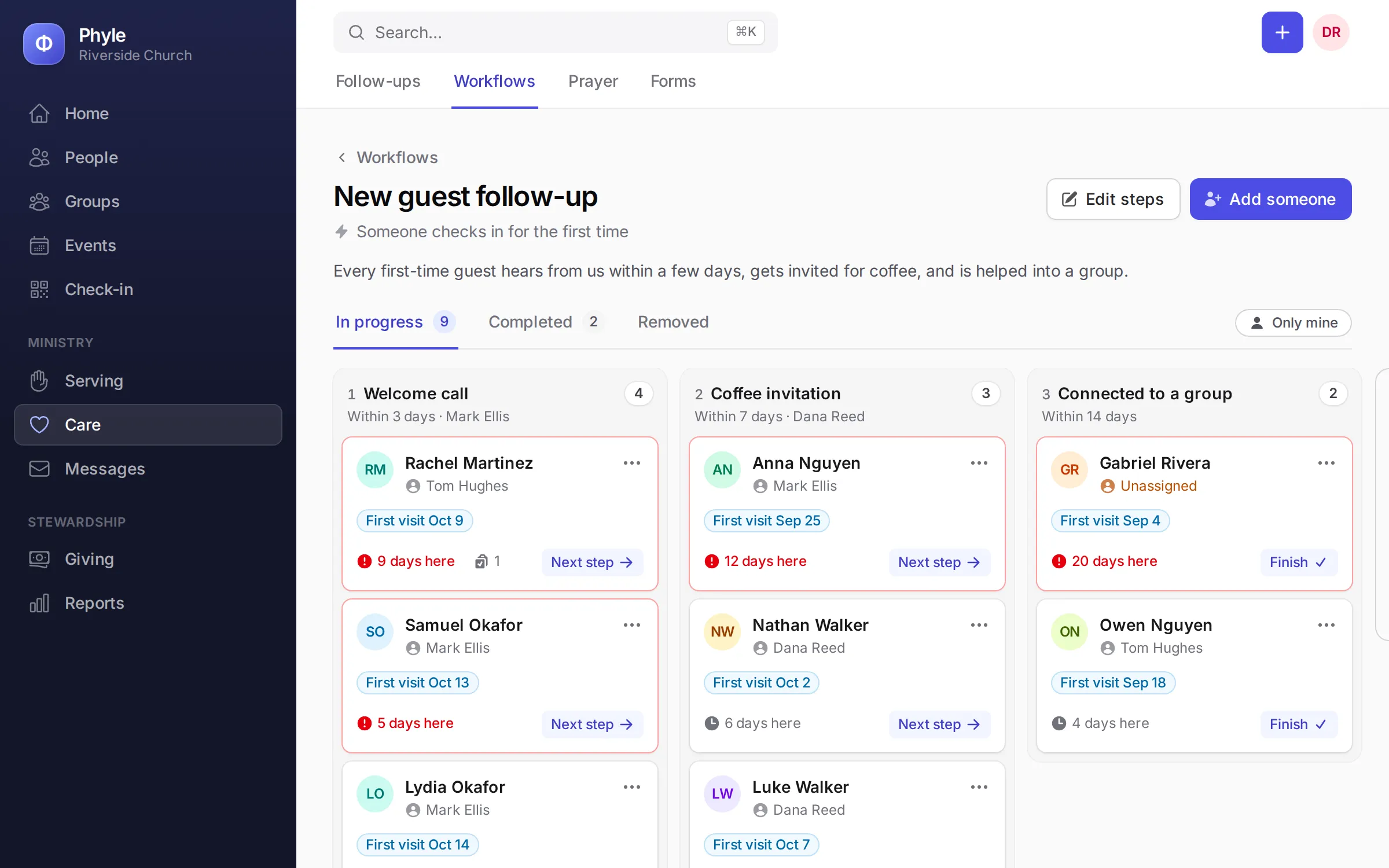
Guests fill in a connection card or check a child in for the first time, and then Monday gets busy. Phyle starts the follow-up on its own, so the welcome note, the pastor's call and the coffee invite each land with someone on your team.
- Connection cards, online
- Put a form on your website or a link in the bulletin. Each answer adds the person to Phyle, tags them, emails the right person and starts a follow-up.
- Follow-ups that start themselves
- A workflow can begin when someone checks in for the first time, is added to Phyle or sends a form. Start from "New guest follow-up" and "Becoming a member", or make your own.
- A board you can read at a glance
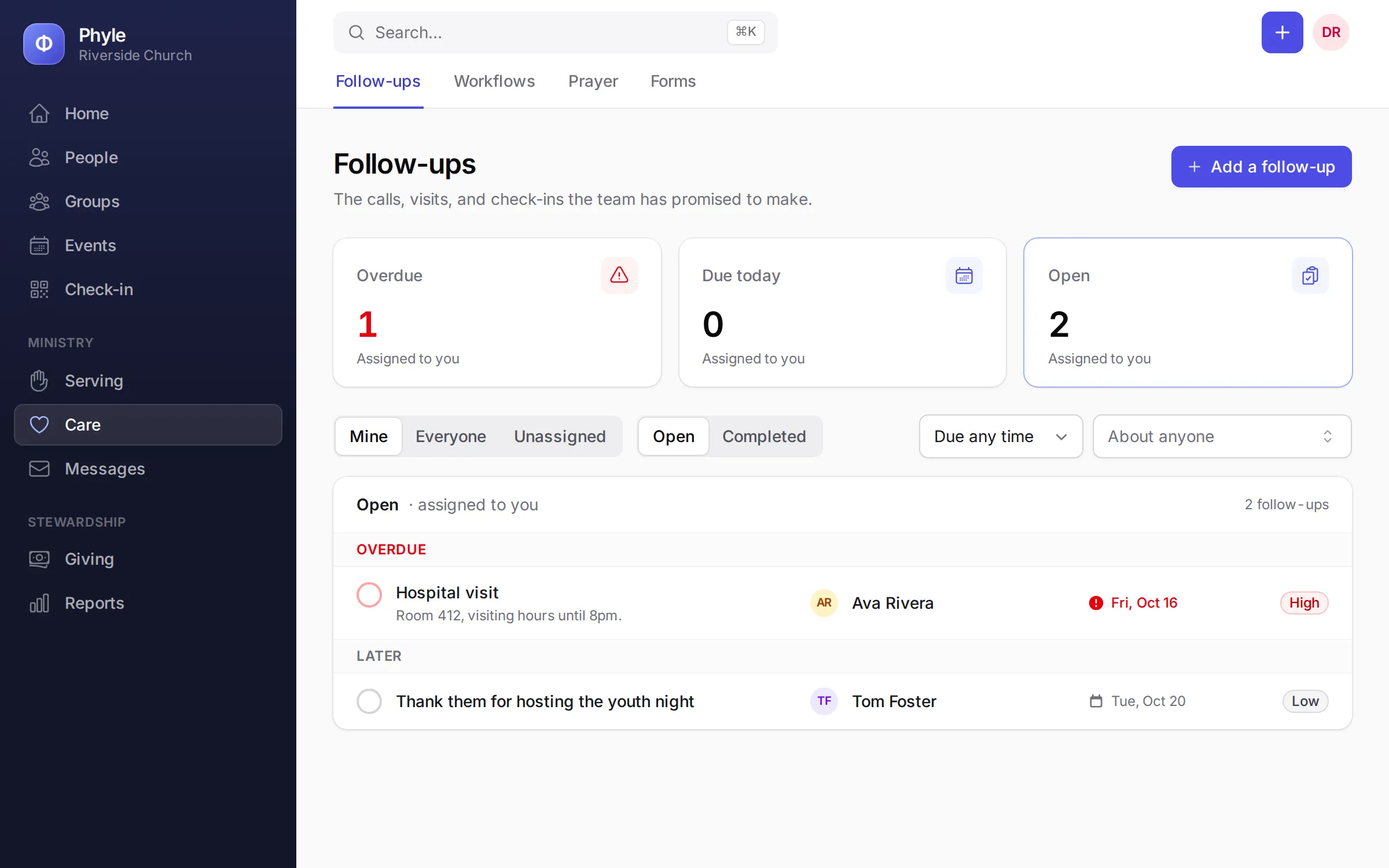
- Each person is a card that moves through the steps. Assign it, add a note or a task, and it shows under My follow-ups for whoever owns it.
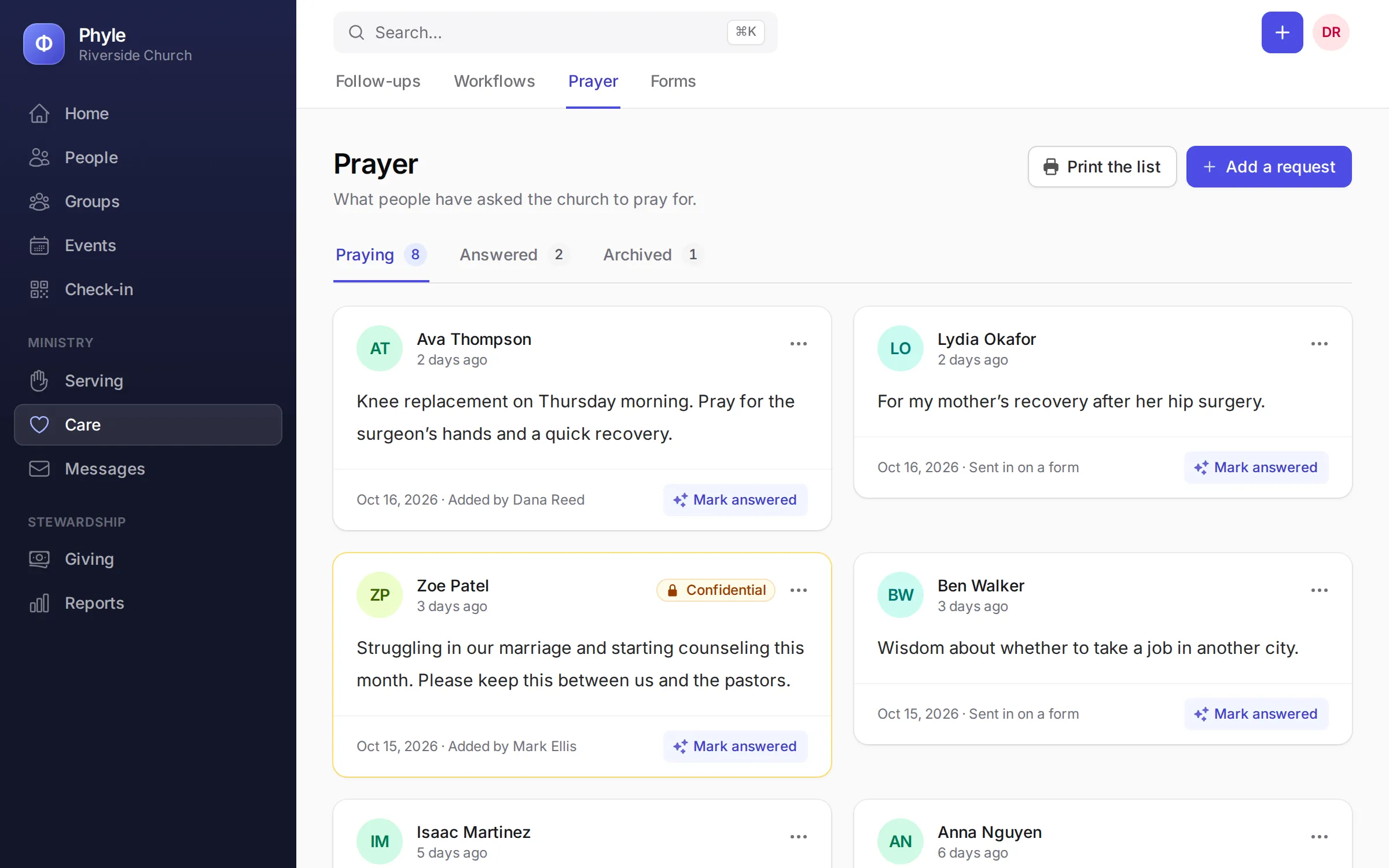
- Prayer and care, kept private
- Prayer requests and pastoral notes are seen only by staff and the person who wrote them, with a printable prayer list for your team.
Monday. Count the offering once.
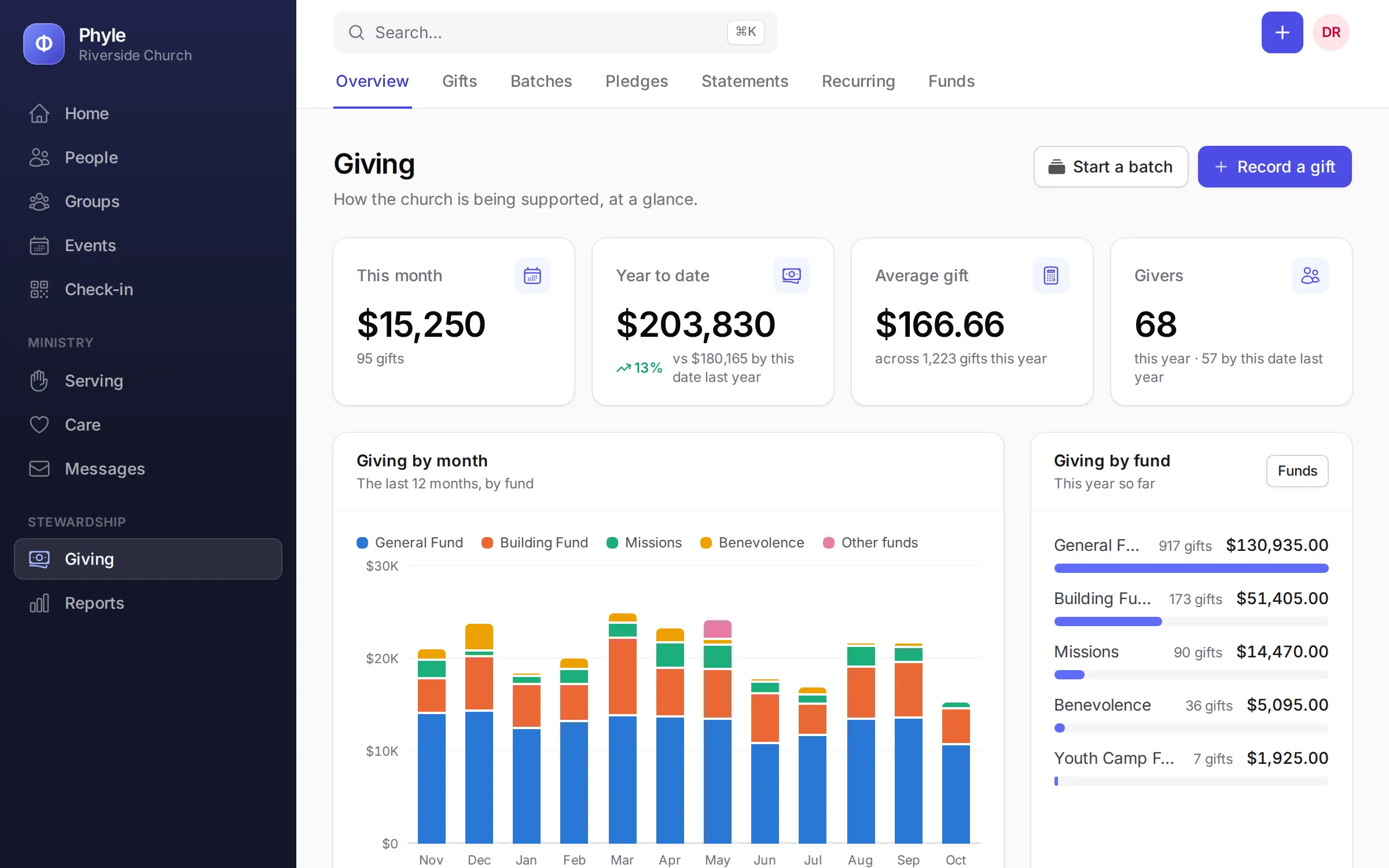
Two counters, a stack of checks and an envelope of cash. Key the offering into a batch together, check it against the count and print the deposit slip. Online gifts land in the same records, and in January every giver's statement goes out by email in one go.
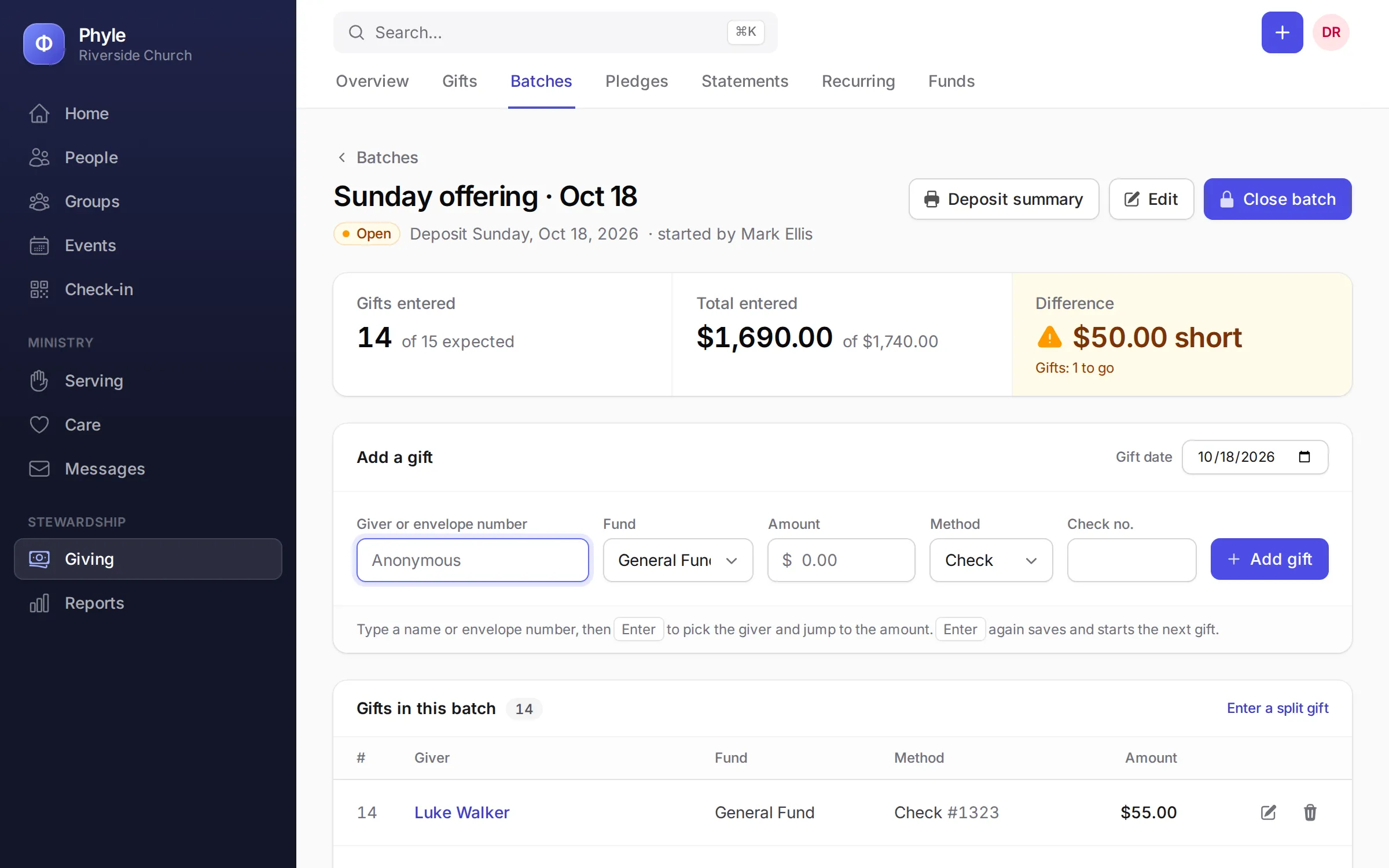
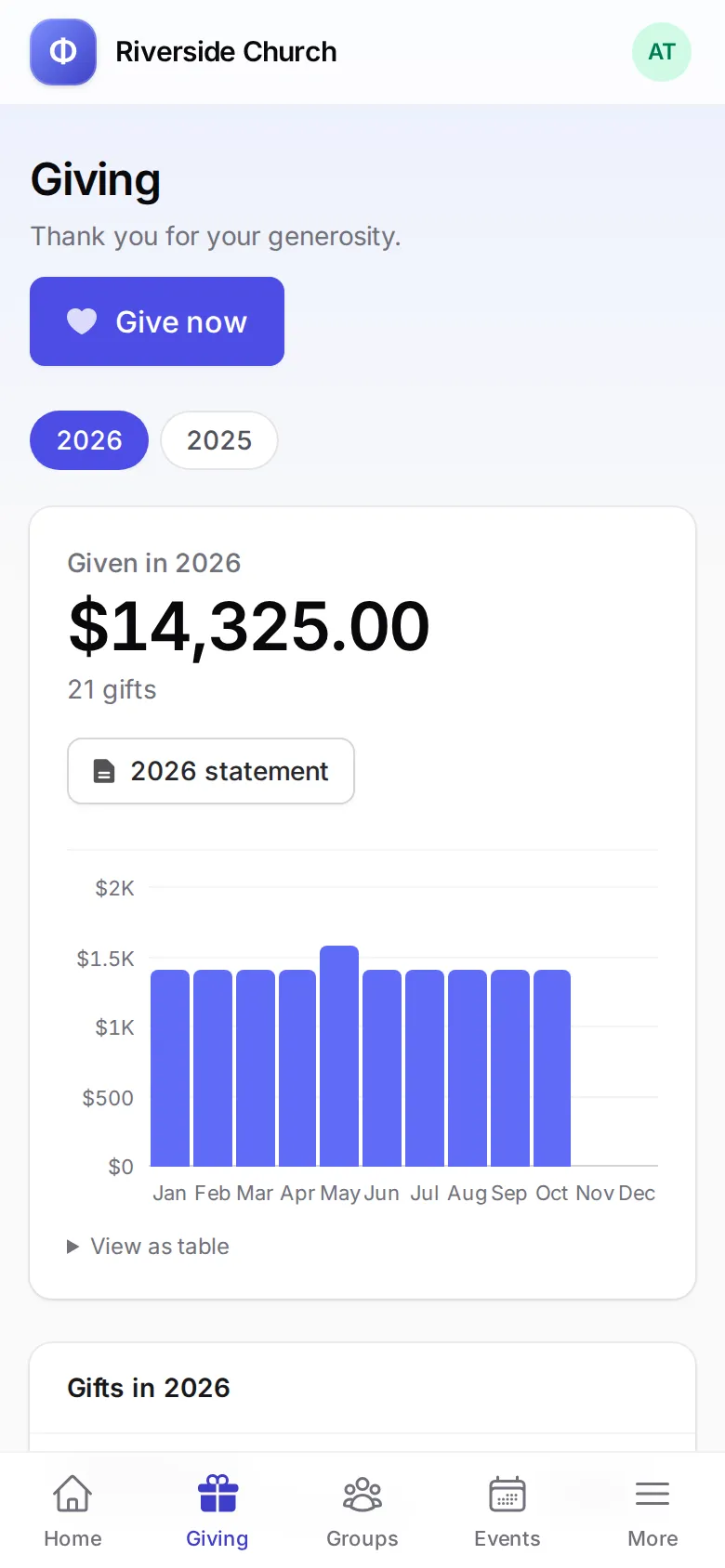
- Batches that balance
- Phyle shows the expected total beside what you have keyed in, and warns you before you close a batch that is out of balance.
- Online giving through your own Stripe
- One-time gifts, or weekly, every two weeks or monthly. The money goes straight to your church's Stripe account, and Phyle adds no fee.
- Pledges and campaigns
- Run a building fund or a missions drive, record each pledge and see how close you are to the goal.
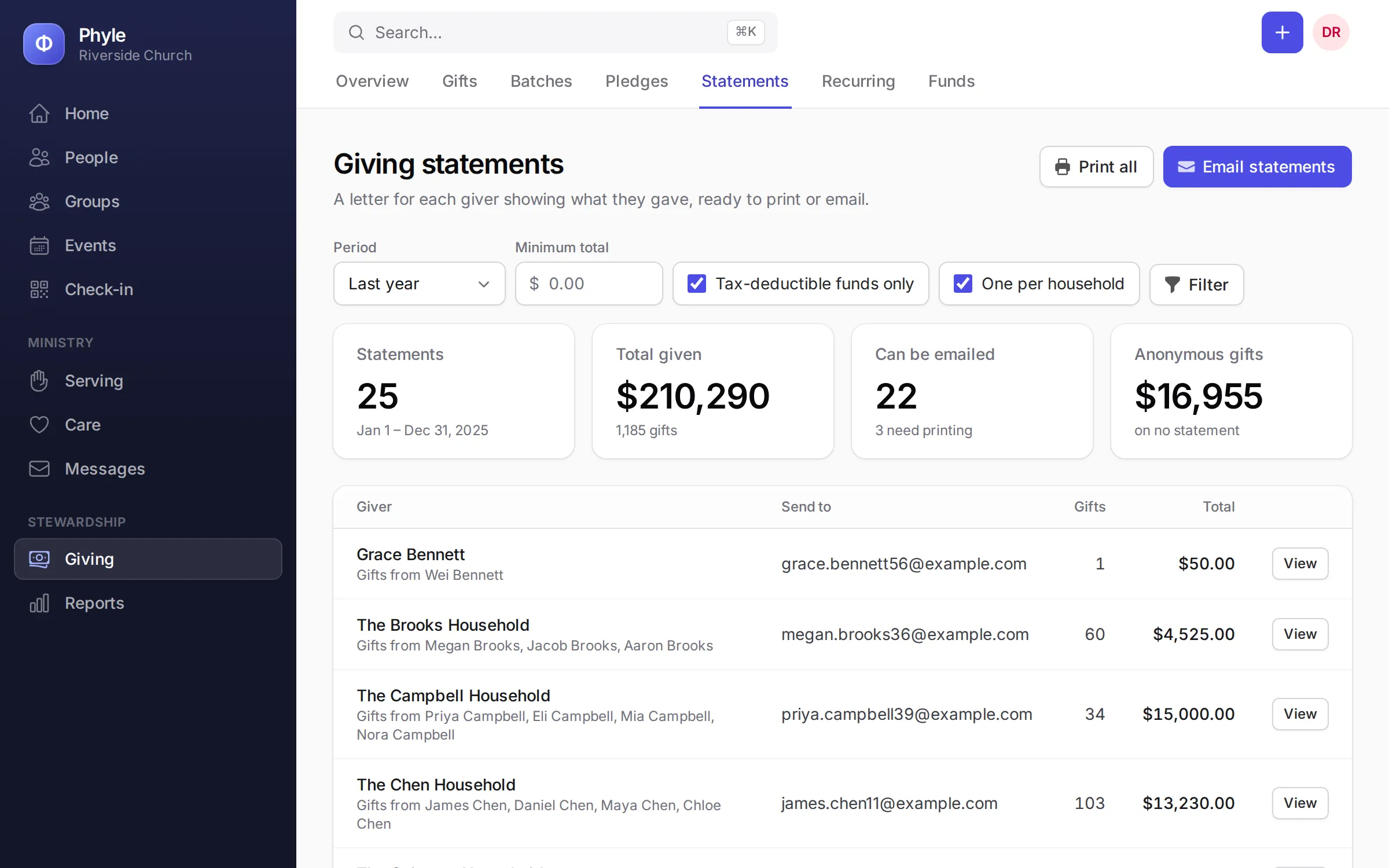
- Year-end statements
- By household or by person, with your EIN on every one. Print them all at once or email them, and members can download theirs from the portal.
Tuesday. Sunday's open slots, filled.
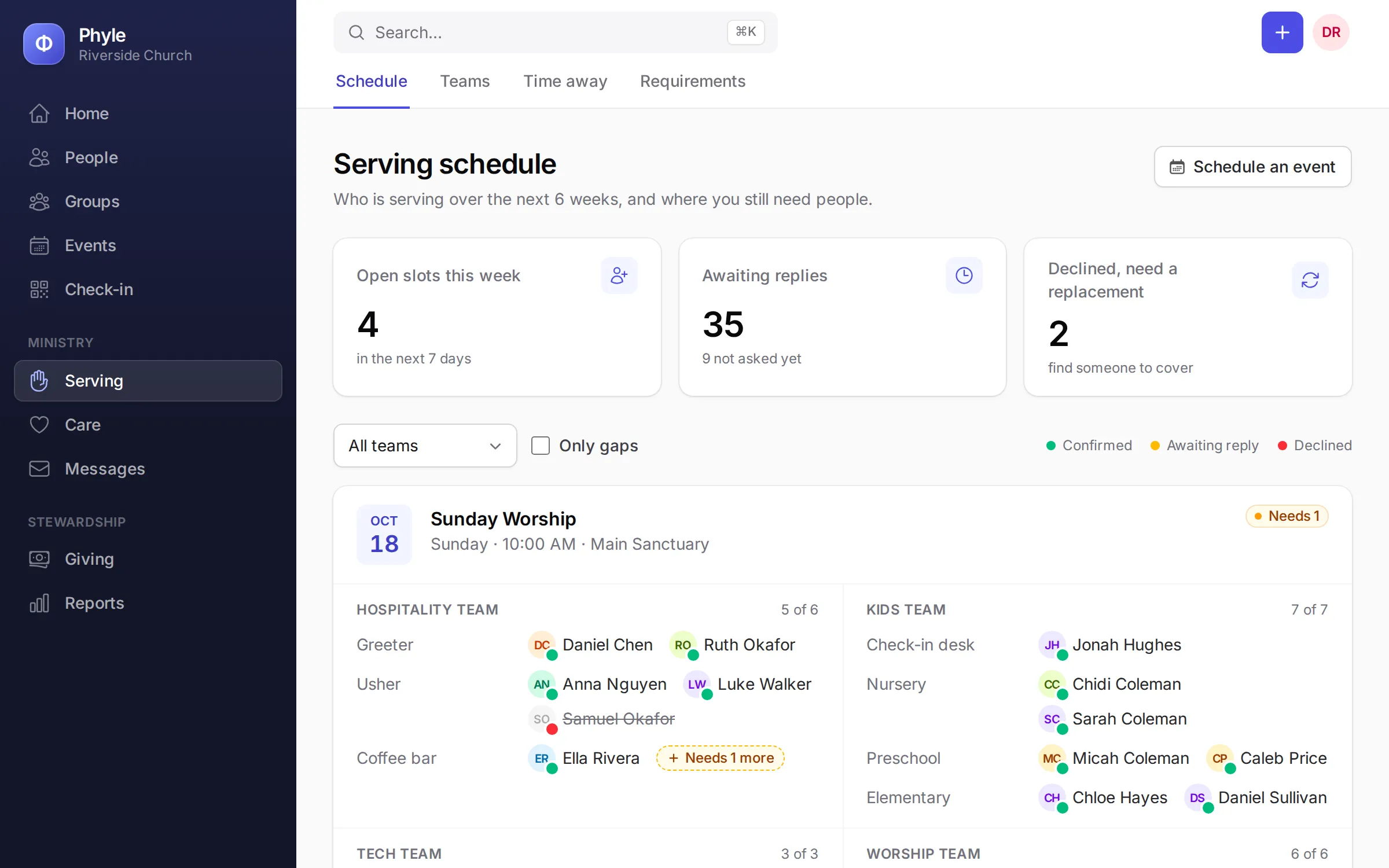
Sunday still needs a nursery worker and someone on sound. Press Fill gaps and Phyle suggests who to ask: people on the team who are free that day, have served there before and have gone longest without a turn. Volunteers answer from the email, with no password to remember.
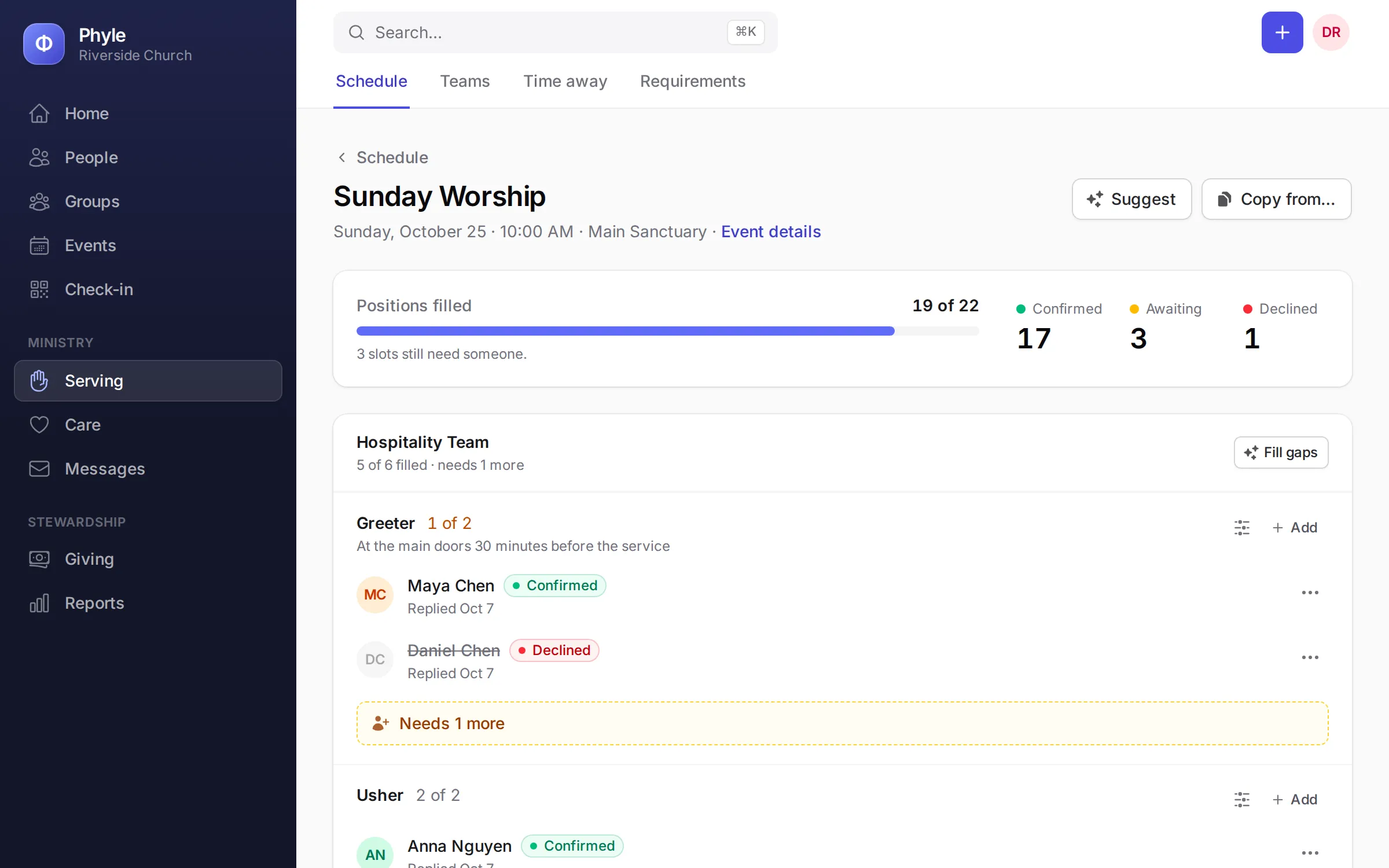
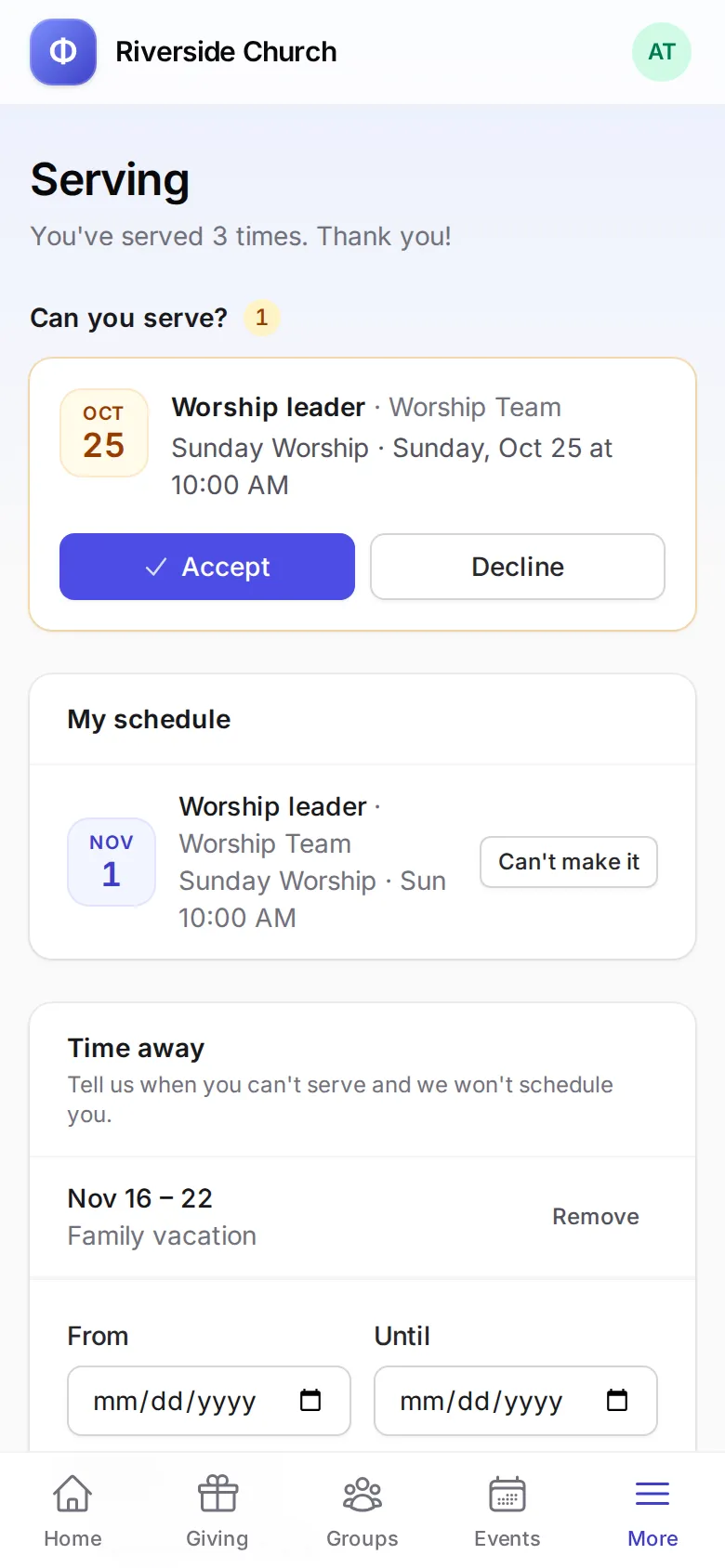
- Yes or no from one link
- Volunteers accept or decline right from the request email, or from the member portal, and every answer shows on the schedule.
- Warnings before Sunday, not on Sunday
- Phyle flags anyone who is away, already serving somewhere else at that time or missing a requirement.
- Reminders that send themselves
- Confirmed volunteers get an email two days before they serve. Copy one week's schedule to the next instead of starting over.
- Background checks and training on file
- Record background checks and child safety training with their expiry dates, and see whose are running out.
Wednesday. Tell everyone at once.
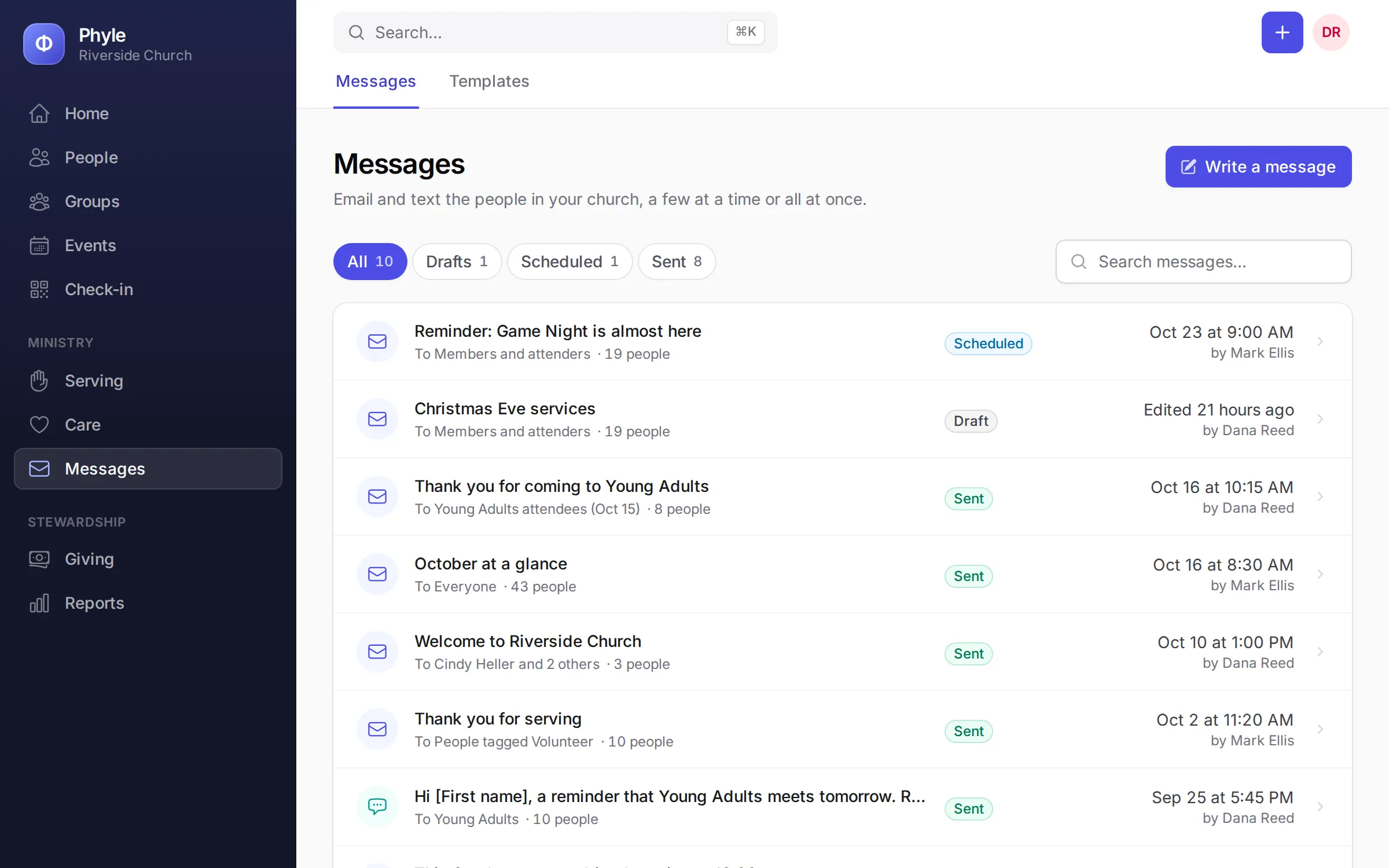
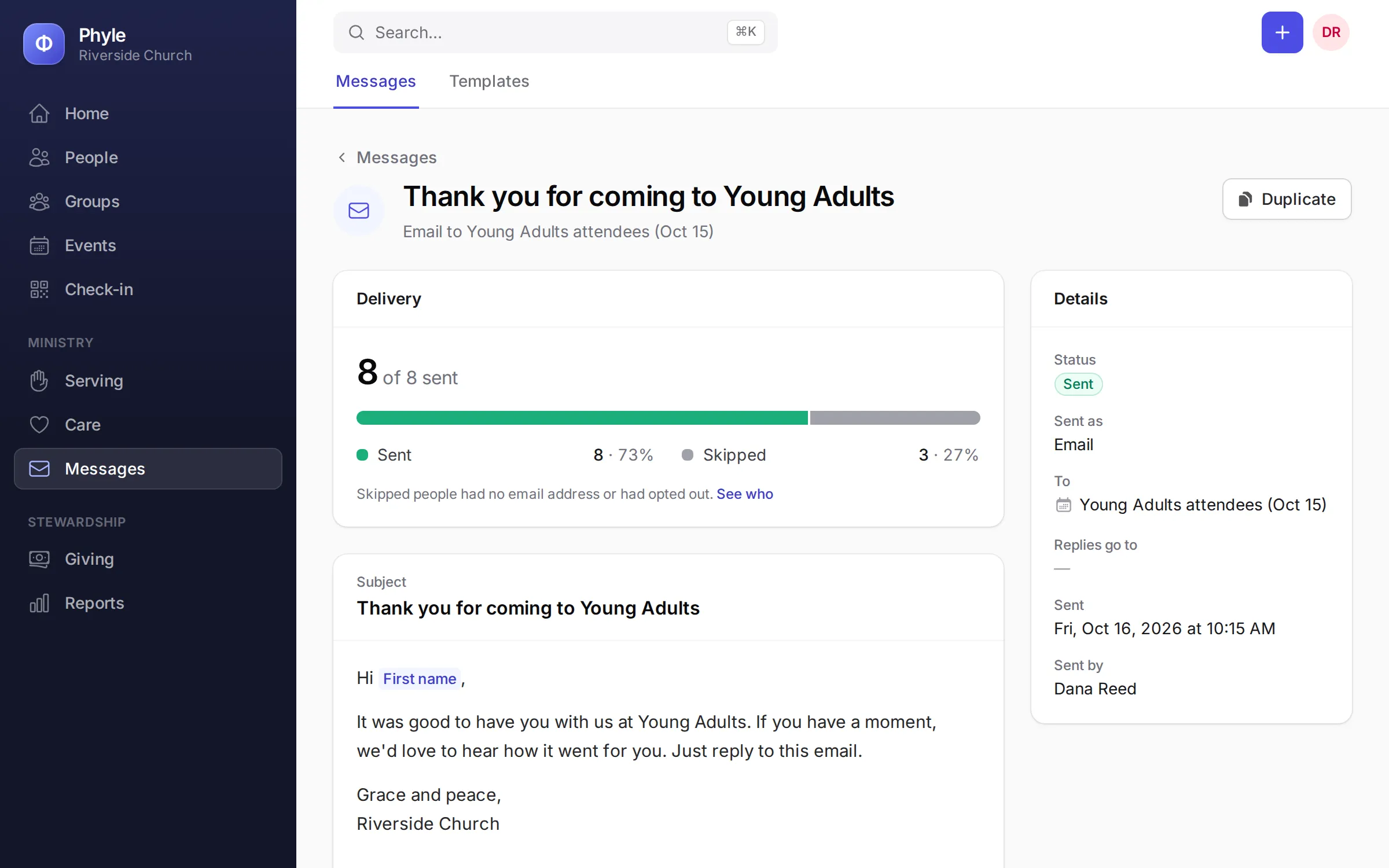
Fall family night is on Friday. Write the email once, send it to the whole church, one group, a saved list or everyone who registered, and schedule it for Thursday morning. Need it read today? Send a text instead.
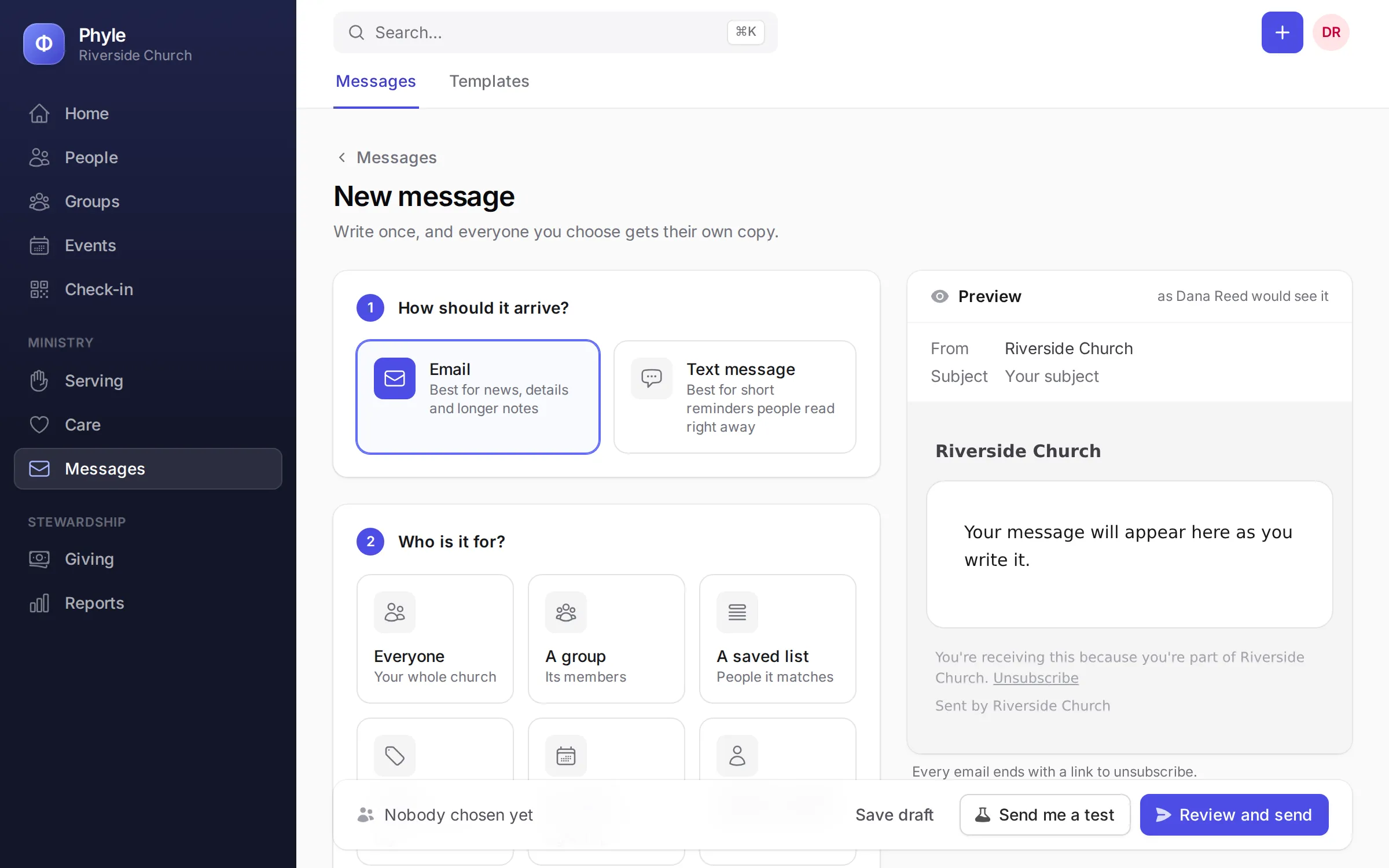
- Exactly the right people
- Everyone, members only, a group, a tag, a saved list, the people registered for an event, or a handful you pick by name.
- Personal, without the busywork
- Each message greets people by their first name. Save templates for the notes you send every week, and preview before you send.
- Now or later
- Pick a date and time and Phyle sends it then, whether that is tomorrow morning or Christmas Eve.
- Texting done properly
- Texts go out through your church's own Twilio number. Replies of STOP are honored straight away, and every email has an unsubscribe link.
Any day. One record for every person.
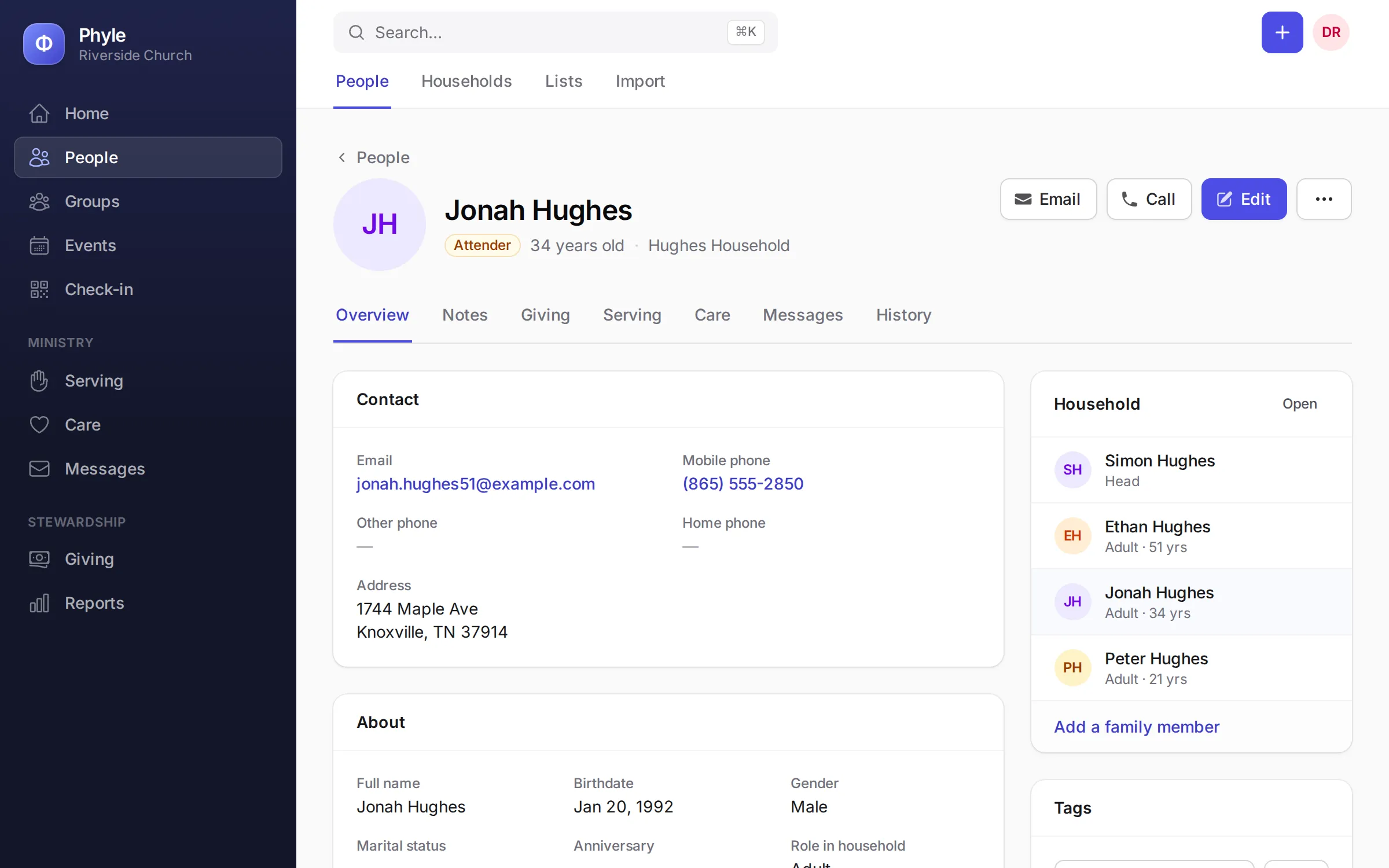
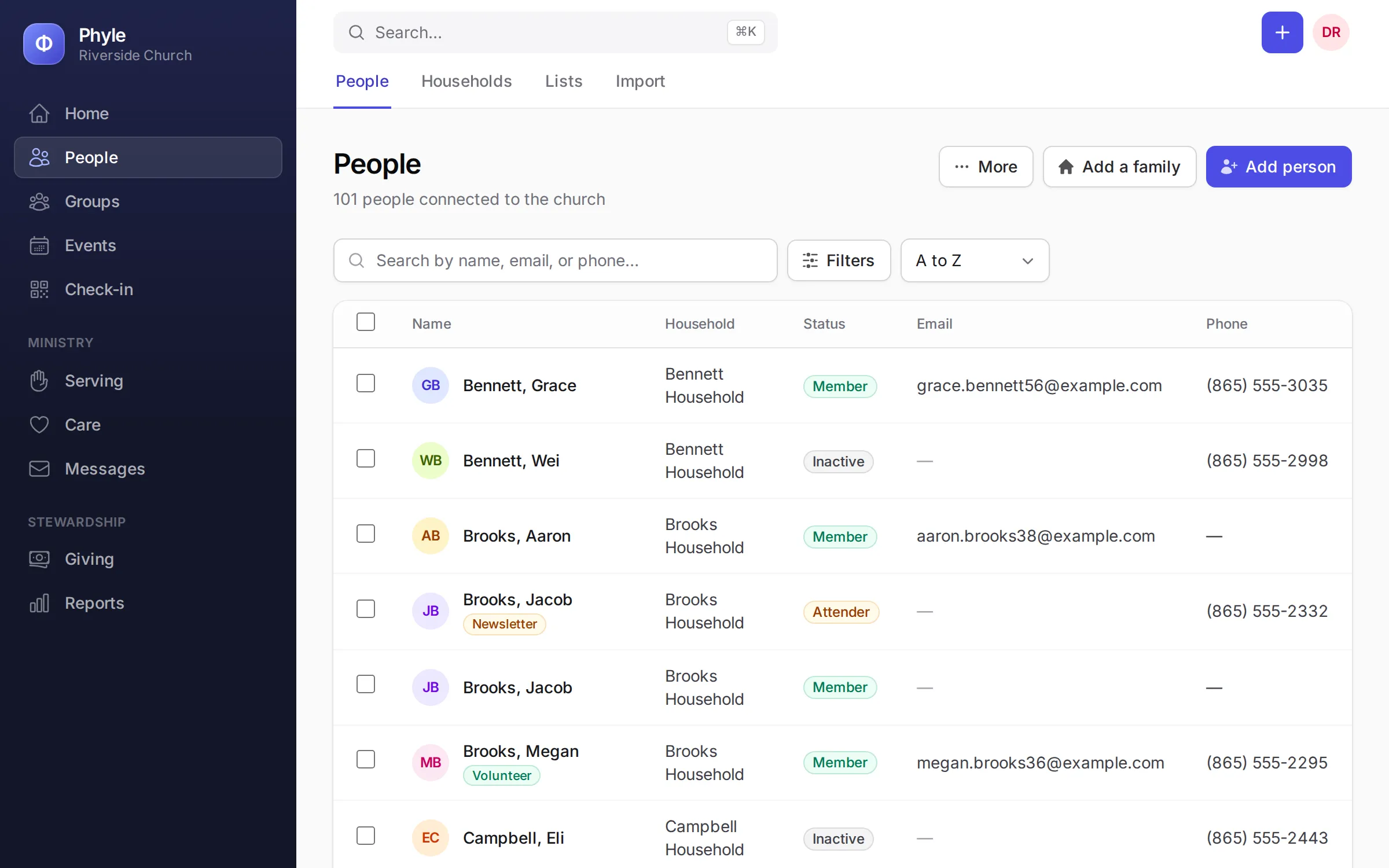
The directory, the spreadsheet in the office and the card file in the pastor's desk, finally in one place. Each person's page holds their household, groups, attendance, serving, giving and notes, and everyone on your team sees only what their role allows.
- Families, not just names
- People belong to households, so you check in a family, send one statement and print one mailing label per home.
- Notes that remember for you
- Pin a note, file it as a visit, a phone call or pastoral care, and find it on their page the next time they come up.
- Your own fields and lists
- Add the fields your church tracks, tag people, filter on anything and save the result as a list to message or export.
- Bring your records with you
- Upload a Planning Center or Breeze export and Phyle recognizes it, matches every column and keeps families together. Spreadsheets from ACS, Fellowship One or anything else work too, and you can check it all before anything is saved.
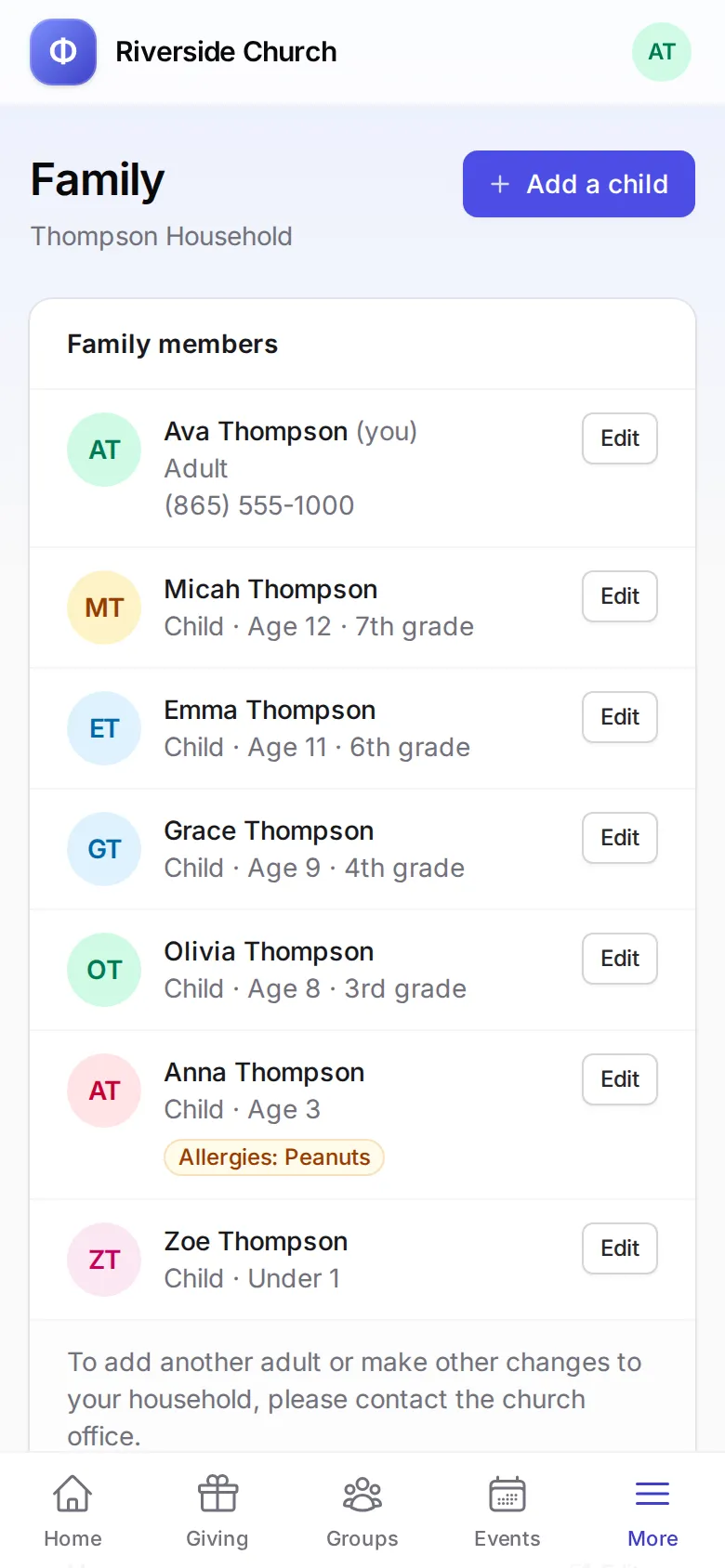
Members look after their own details.
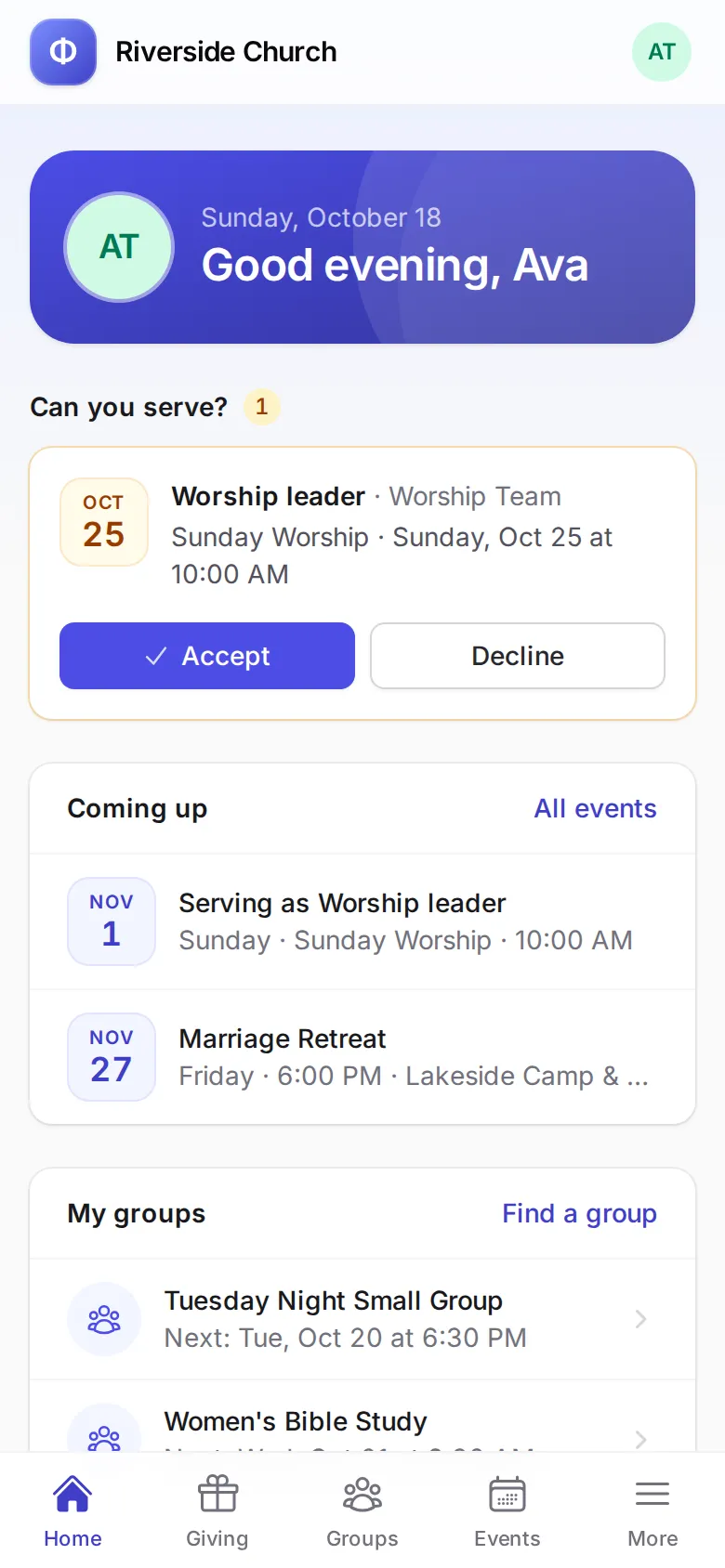
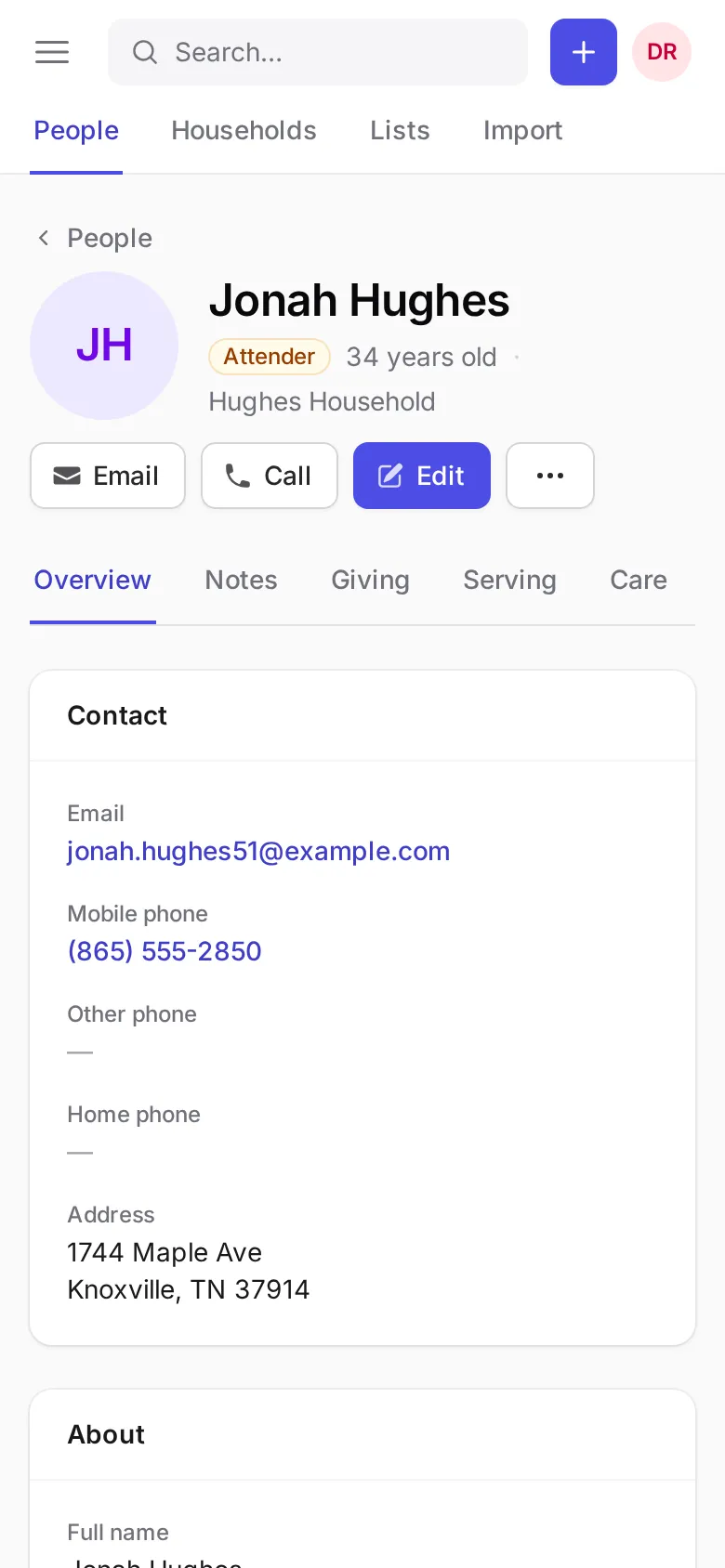
A new address, a new baby, a new email. Members sign in on their phone and update it themselves, give, download their statement and say yes to serving, without calling the church office.
- Their family, kept current
- Members edit their own details, add their children and change their sign-in. Newcomers can create an account if you allow it.
- Giving history and statements
- Every gift they have made, a yearly statement to download, and a recurring gift they can stop themselves.
- Groups and events
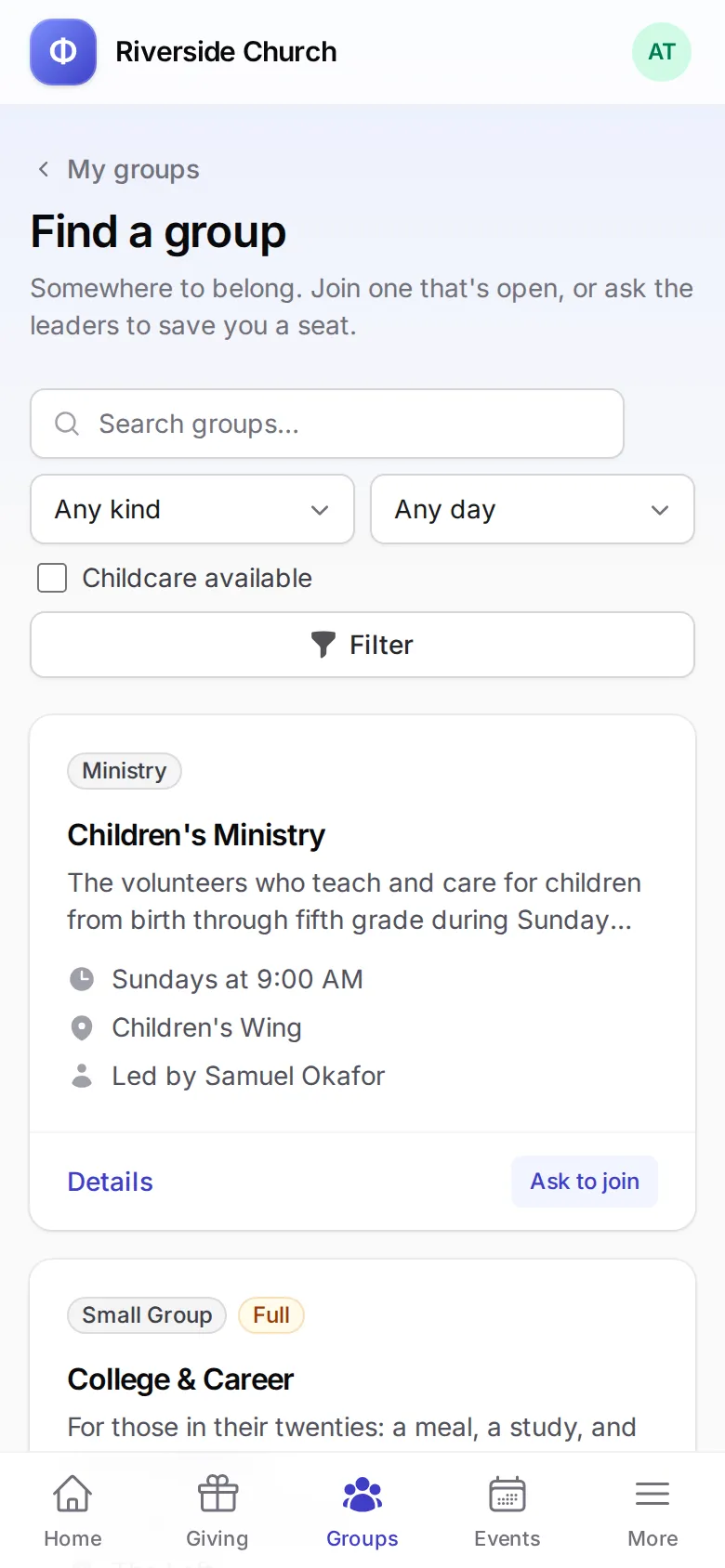
- Find a group and ask to join, or register for an event, with a waitlist when it fills up.
- Serving, on their terms
- Accept or decline requests and mark the weeks they are away, so the schedule plans around them.
Groups, events and reports, all included
Every plan has every part of Phyle. Nothing to bolt on, and one login for everyone.
- Groups and classes
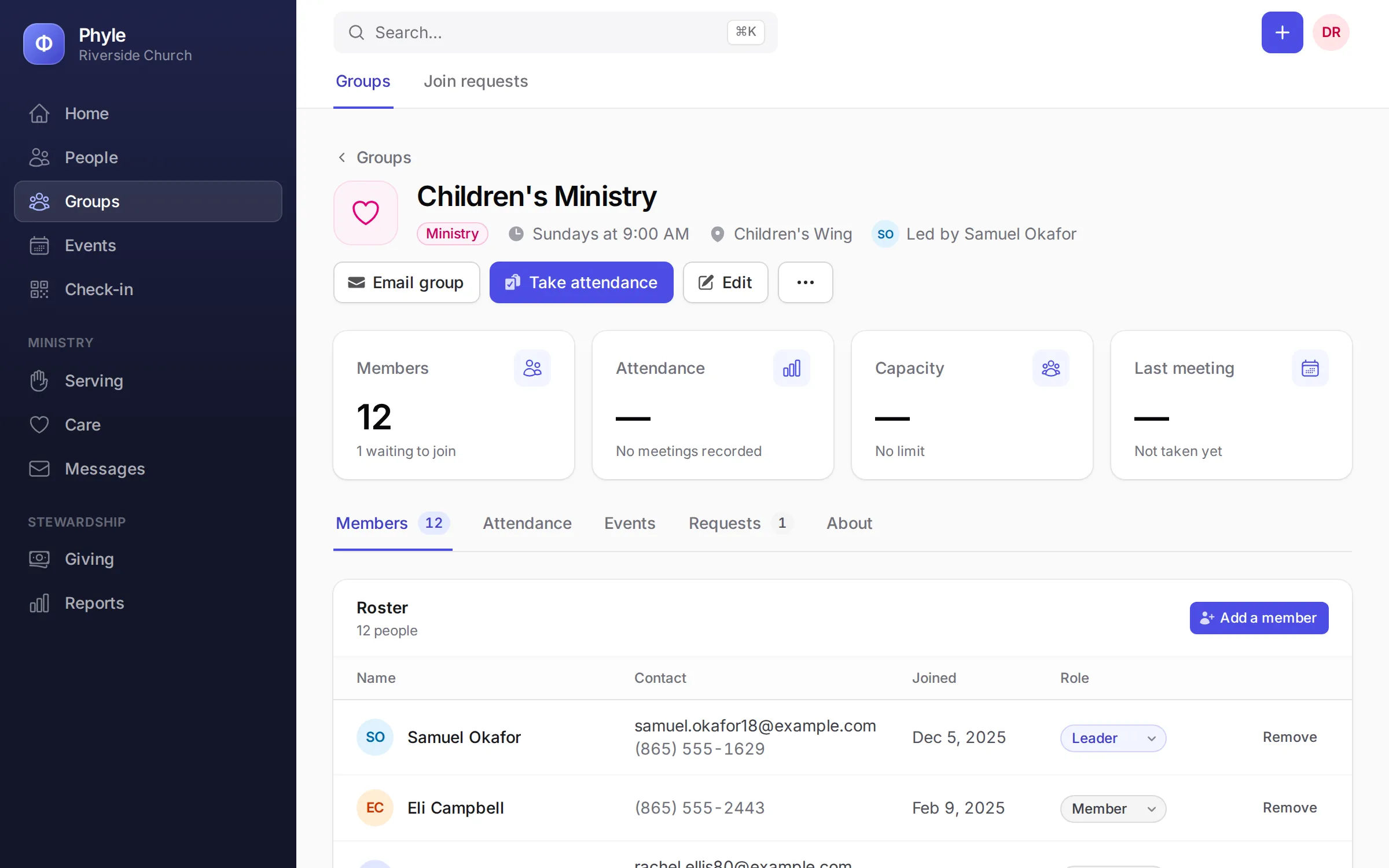
- Small groups, ministries, classes and serving teams, each with a roster you can print, attendance for every meeting and requests to join that you approve.
- Events and rooms
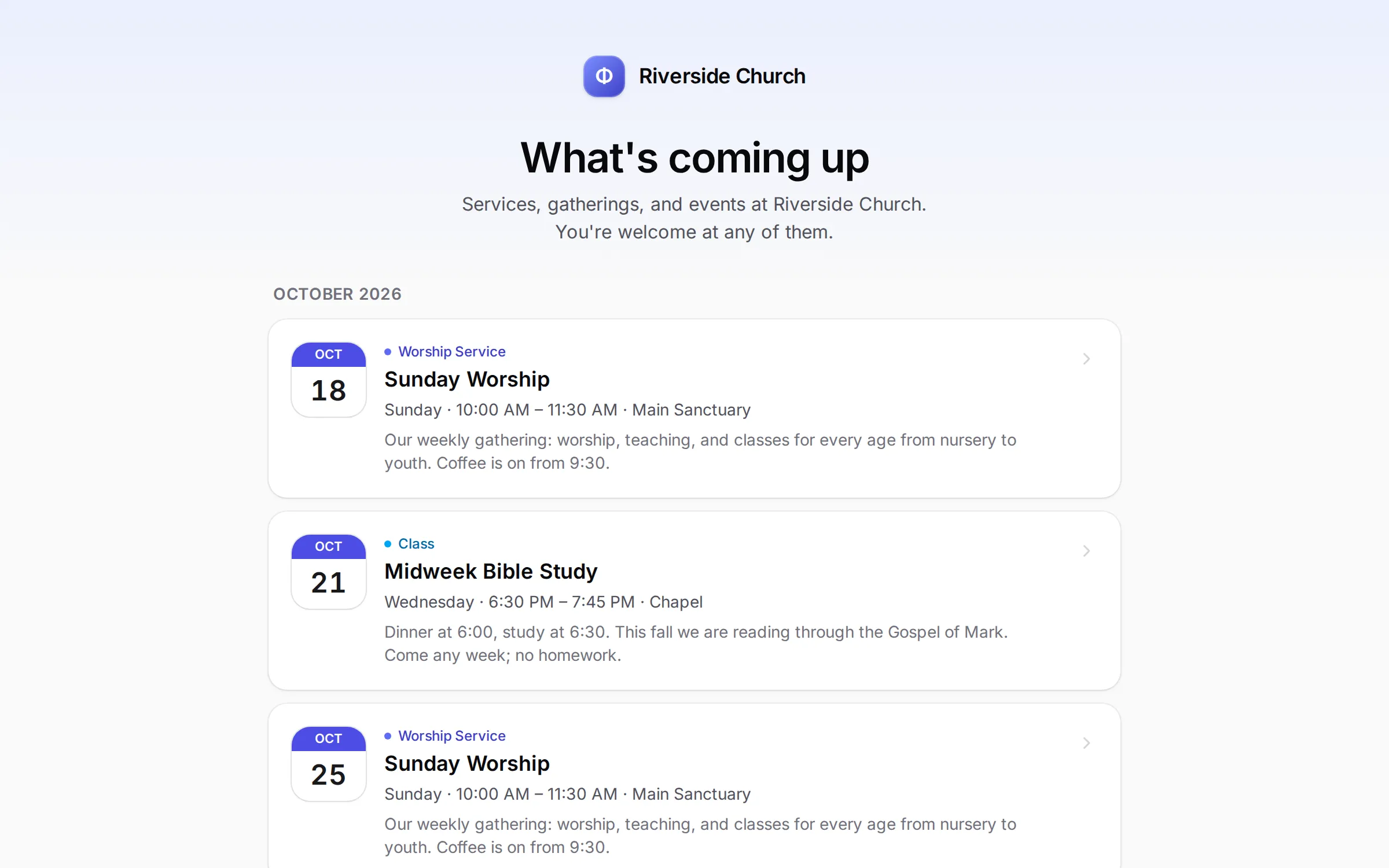
- One calendar with rooms and repeating events. Public pages where guests register, with a waitlist when an event fills up, and a calendar feed for any phone.
- 28 reports, ready to print
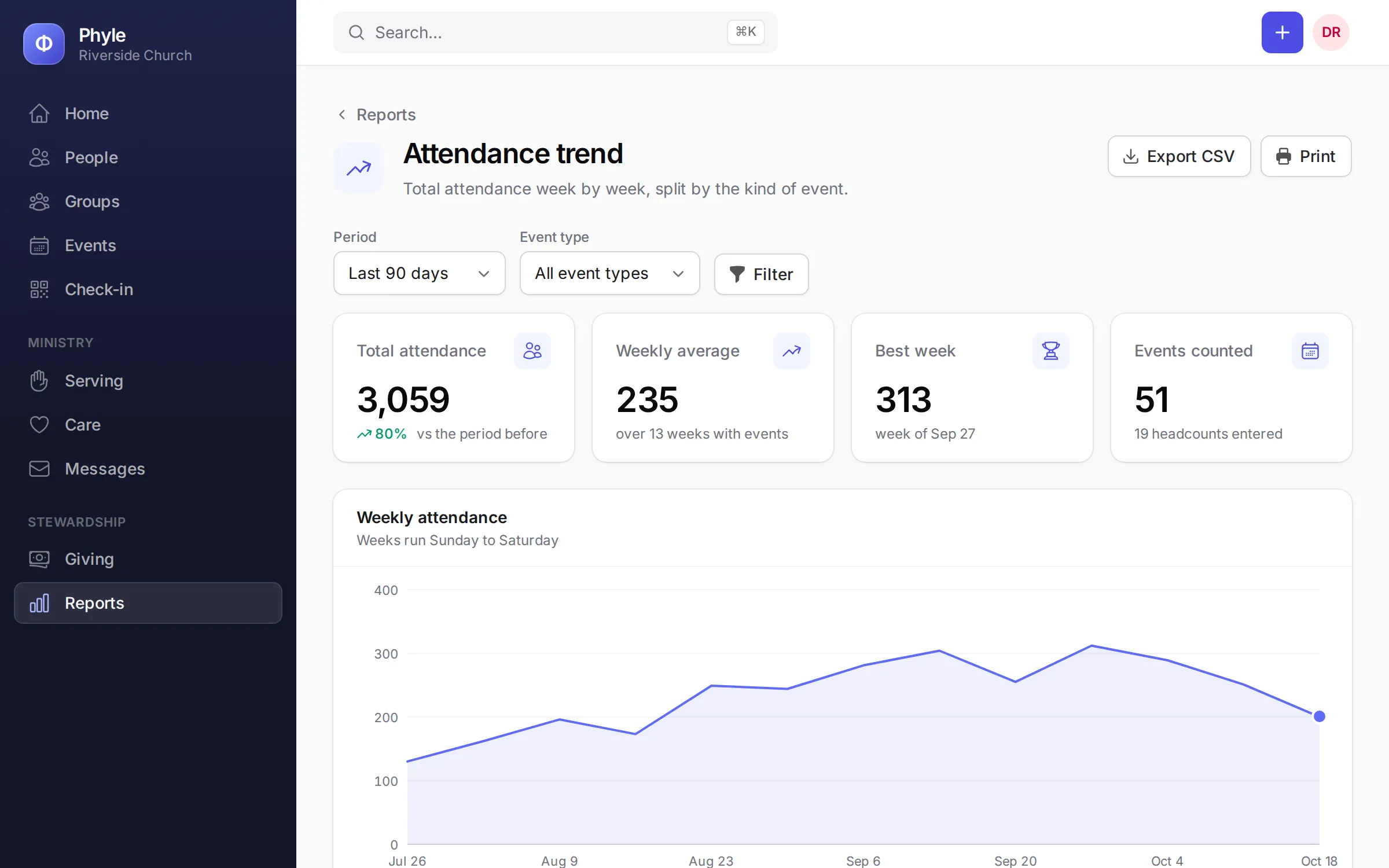
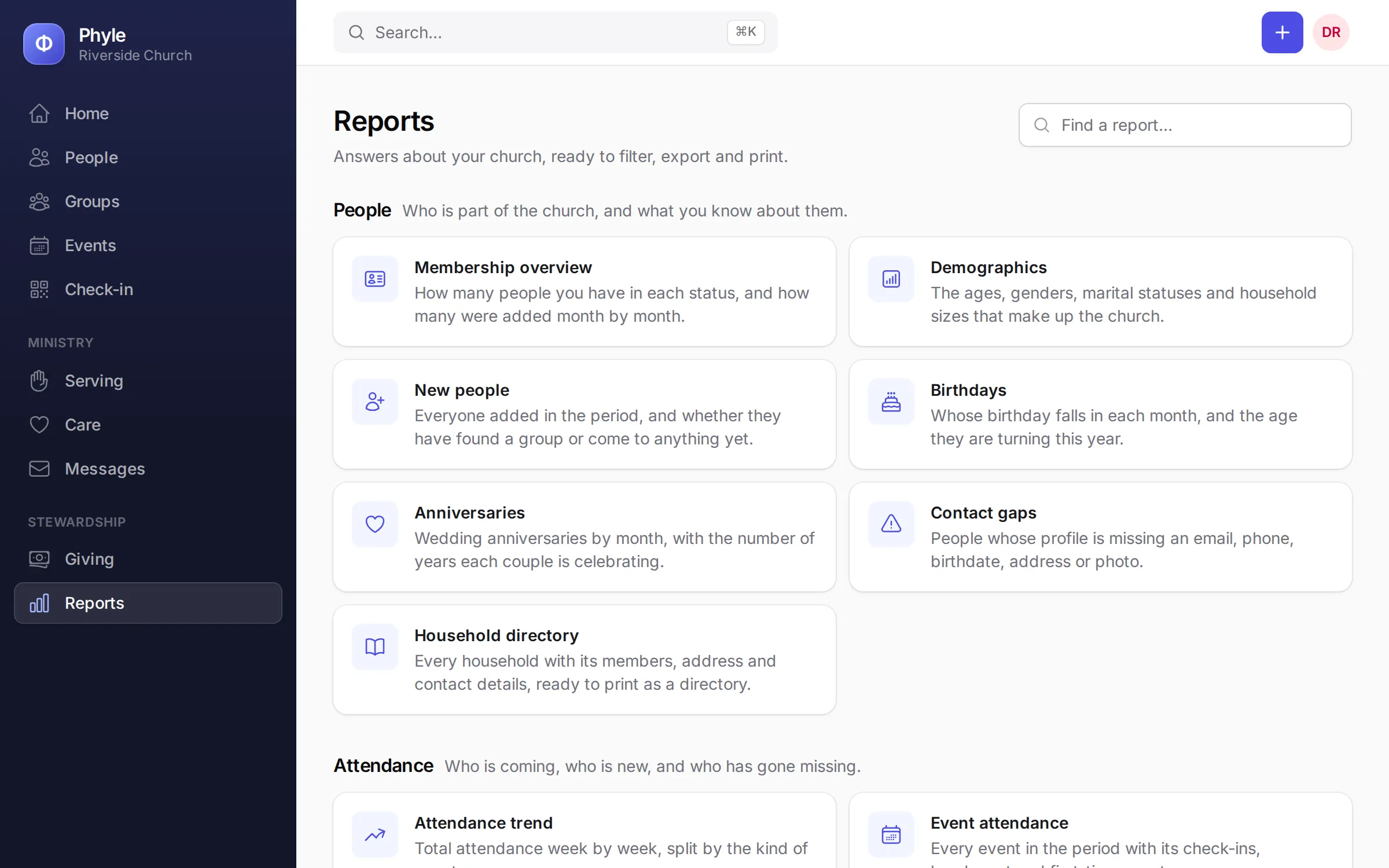
- From first-time guests and absentees to giving by fund and lapsed givers. Every report prints and exports to a spreadsheet, and giving reports stay with the people allowed to see them.
Simple pricing, no contracts
You pay for the size of your church, never per feature or per user. Every volunteer and member gets a login at no extra cost, and churches up to 1,500 active people pay $59 a month or less.
Count everyone who's part of church life now, children and visitors included. People you mark inactive don't count.
Your plan: ·
Pay yearly and get 2 months free.
Free
$0 forever
For small churches and church plants.
- Up to 50 active people
- Every module included
- Email to your congregation
- Online giving through your own Stripe account
Church
$39 a month
$390 a year 2 months free
Everything included, at one flat price.
- Up to 500 active people
- Every module included
- Email support
Growing church
$59 a month
$590 a year 2 months free
Room to grow, at a price that still fits.
- Up to 1,500 active people
- Every module included
- Email support
Large church
$129 a month
$1,290 a year 2 months free
For large churches and several campuses.
- No limit on active people
- Every module included
- Priority support
How billing works
- Billed monthly or yearly in US dollars, by card. Paying yearly gets you 2 months free.
- No contracts, no setup fees and no charge per user.
- Text messages go through your church's own Twilio account at Twilio's rates, billed directly by Twilio.
- Cancel anytime. Your church keeps access to the end of the period it has paid for.
- Changed your mind? Ask within 14 days of your first charge and we refund it in full.
- Online giving runs through your church's own Stripe account at Stripe's standard rates. Phyle adds no fee to gifts.
- Your data stays yours. Export it whenever you like.
Read the details in our refund and cancellation policy and terms of service.
Good questions
- What counts as an active person?
- Everyone in Phyle who isn't marked inactive: members, regular attenders, visitors and children. People who have moved away or stopped coming can be marked inactive, and they don't count toward your plan. Their history stays, and you can bring them back at any time.
- Who owns our church's data?
- You do. Phyle keeps it for you and uses it only to run your account. Export people, households, groups and giving as spreadsheets at any time, and we never sell it or use it for advertising.
- What happens to children's information?
- It is used for check-in and nothing else: classes, allergies and medical notes, and who may pick a child up. Pickup codes are printed on the parent's tag and never shown on the roster.
- Can we bring our records with us?
- Yes. Import people and households from a spreadsheet exported by the system you use today. Write to us and we will help you move.
- Do we need a Stripe account?
- Only for online giving. Gifts go straight to your church's own Stripe account, so the money is never held by Phyle. You can record cash and checks without one.
- How can we lower giving fees?
- Phyle adds no fee to gifts, so you pay only Stripe's processing fees. Stripe offers a discounted rate to registered nonprofits in the US, Canada, the UK, Australia, New Zealand and much of Europe when at least 80% of their Stripe payments are tax-deductible donations; event tickets and registration fees don't count toward that share. To ask for it, contact Stripe support with your tax registration, such as your EIN or IRS letter. Read Stripe's nonprofit terms
- Who can see confidential notes?
- Only staff and administrators, and the person who wrote the note. Volunteers and members never see care notes or prayer requests marked private.
- What if we cancel?
- Nothing is locked in. Access runs to the end of the month you have paid for, you can export everything first, and we delete your church's data within 60 days after the account closes.
Bring your church to Phyle
Start your church’s account in a few minutes. Need a hand moving your records or finding your way around? Write to us and we’ll help.
Or write to [email protected]